
At times, users face the issue of not being able to sign in. This is typically reflected by receiving an error message that that looks like either one of the following:

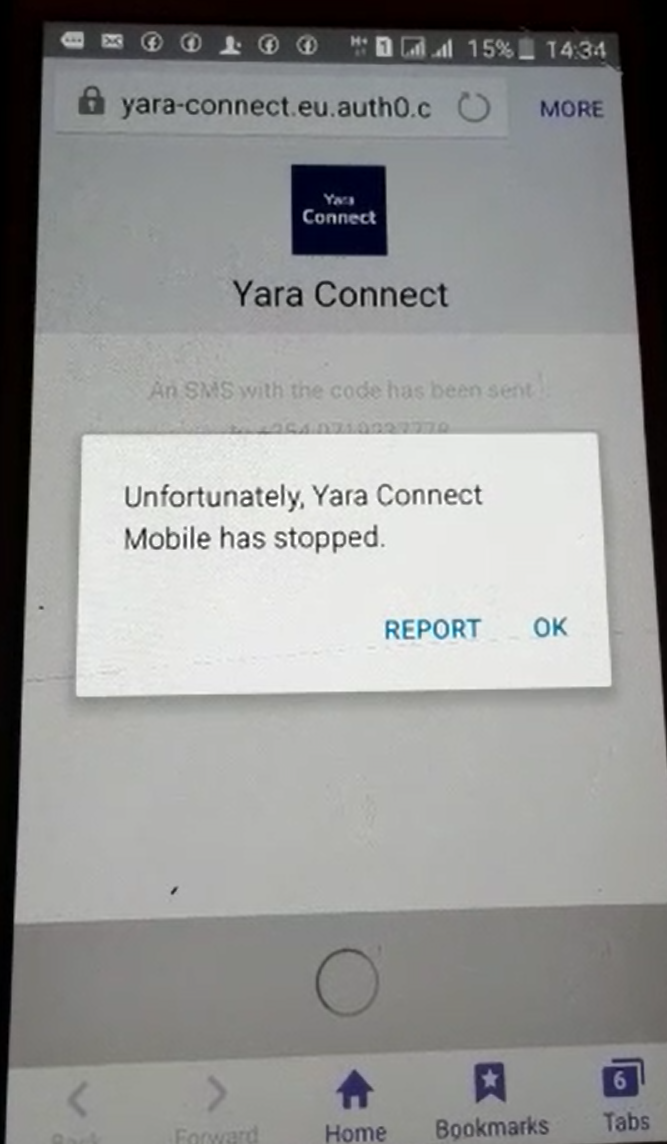
Fret not, it’s a small issue.
Most of the time, users receive these error messages when the mobile phone is on a week internet connection. This is more commonly seen when users are on a network slower than 3G or when WiFi is not stable. To find out if your connection is faulty, try to launch a webpage in your mobile phone browser.
Dealing with slow network can be frustrating. One tip to get better connection is to move around for a spot that receives better signal. If you are on WiFi, switch it off and switch it on again. Another option is to upgrade the network. A speed boost and stronger signal helps to give a better experience with the internet, including YaraConnect.
If your internet connection is working well but such issues persist, please report it to YaraConnect as soon as possible. For information on how to request help from YaraConnect Product Team, please refer to https://yaraconnect.zendesk.com/hc/en-us/articles/360016874520-How-to-request-help-from-Yara-Connect-Product-team-using-Zendesk. YaraConnect can start trouble-shooting promptly when the required information is obtained.
Comments
0 comments
Please sign in to leave a comment.